
 New
YouTube sponsor skipper
Detect youtube sponsor segment with live audio and transcript powered by Jev
Added to Jevfast
NewDetect youtube sponsor segment with live audio and transcript powered by Jev
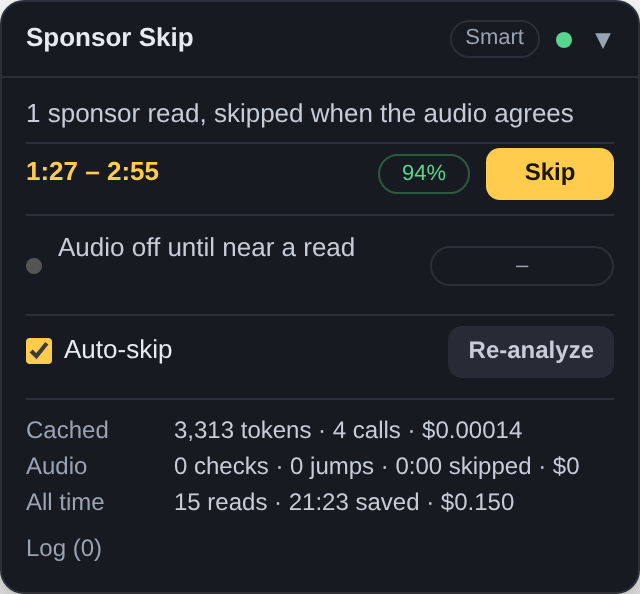
In transcript mode, Jev judges transcript phrases and identifies sponsor-related lines; in audio modes, it judges whether heard utterances are part of a sponsor read. Application code resolves the segment timestamps and performs playback skips.
Does the first transcript phrase belong to the sponsor segment?
The state contains a transcript phrase window, surrounding text, video title, and the line where the sponsor is named. P01 is the first generated phrase ID.
Choose transcript-only, transcript with audio confirmation, or audio-only listening.
Render transcript segments as labeled lines and ask Jev to identify the line that starts or belongs to a sponsor read.
When using audio, send the heard utterances to Jev and apply the configured confidence threshold.
Use the application’s timestamp logic to move playback past the identified read.
The tool keeps timestamps and playback actions in code; model judgments identify content, while transcript and audio modes provide different confirmation paths.