
jev-libero
Fine-grained robot control with Jev, physics previews, and configurable LIBERO tasks.
Added to Jevfast
Fine-grained robot control with Jev, physics previews, and configurable LIBERO tasks.
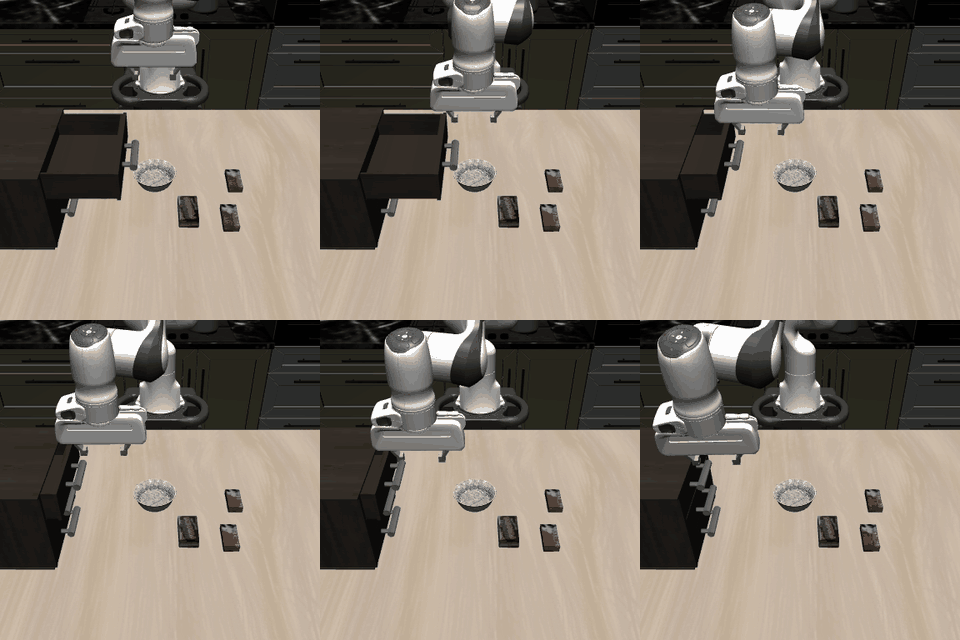
Jev selects layered robot-control decisions: intent, contact or motion family, then an atomic input. The controller executes one selected input, observes the result, and asks again; configurable task files determine measurements, exposed features, and per-layer Jev inputs.
Choose a contact/motion family that best realizes the selected objective. Compare target alignment, two-sided fingerpad contact, object lift, and distance to the basket. Every option describes a simulated short input.
Recorded step 0, strategy layer. Intent: align_gripper. State includes gripper alignment and gap, target span and lift, clearance, goal position error and distance, bilateral fingerpad contact, and external target contacts.
Choose measurements, exposed features, policy inputs, and logging through a task configuration.
Jev selects an intent, a contact or motion family, and one atomic input.
Use local previews where applicable, execute the selected input, observe the result, and choose the next step.
The shared task interface supports configurable physical tasks and local physics previews, making decision layers and their observations available for inspection in the interactive Decision Lab.