
 New
jev-browser-use
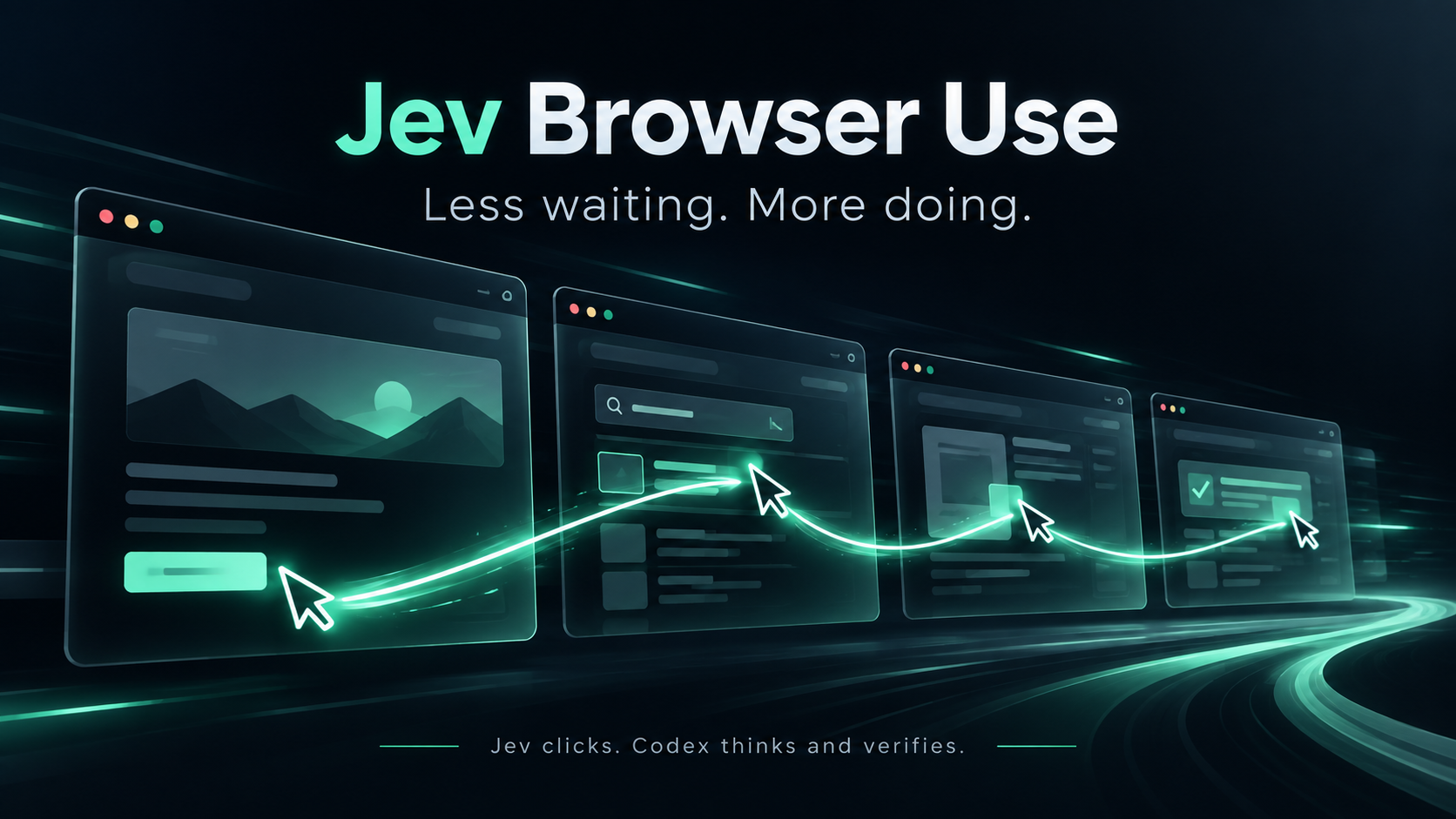
5–10x faster browser operations: Jev clicks, Codex thinks and verifies. Built at EZCollegeApp.
Added to Jevfast
New5–10x faster browser operations: Jev clicks, Codex thinks and verifies. Built at EZCollegeApp.
The browser skill sends task goal, browser snapshot, and action history, then asks Jev for the next permitted action from observed controls. The bridge validates the answer and state before dispatching a browser action.
Choose the next action that advances the goal from permitted observed controls.
Goal, browser accessibility snapshot, action history, and any permitted actions derived from observed controls. This example shows the three fixed options alongside those dynamic actions.
Read a fresh accessibility snapshot and discover permitted controls.
Combine the goal, browser state, history, and policy-filtered action criteria.
Request a Choice for the next action.
Check the response and state version, then dispatch the selected browser action.
It packages browser operation as a reusable skill with provider configuration, bounded requests, and checks for stale state before acting.